Step by step
Photos and name
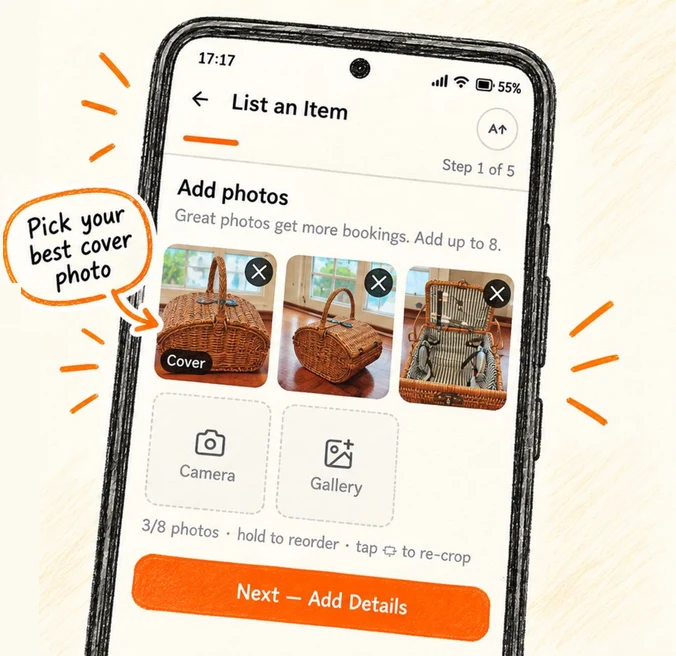
Tap the List tab. Add up to 8 photos; you need at least one to continue. Hold a photo to reorder, and put the best one first. Give it a title like Makita cordless drill set, then Next — Add Details.
Item details
Pick a category and describe what is included: batteries, charger, case, blades. Mention quirks honestly. Then Next — Pricing.
Set your price
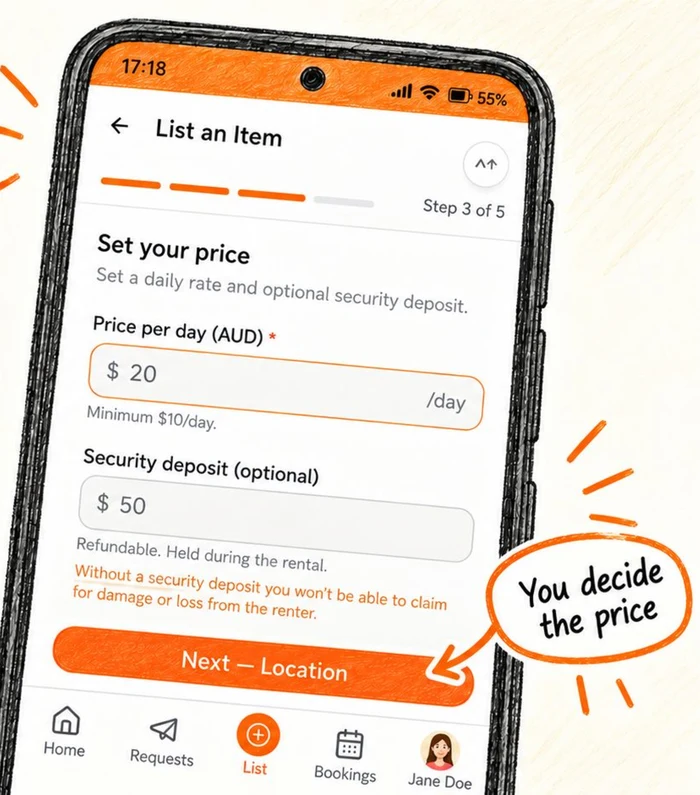
Enter a Price per day, minimum $10. Add a Security deposit if you want one; it is refundable and held on the renter's card during the rental. Set Availability to Always available or block dates you need it. Then Next — Location.
Pickup location
Enter the suburb renters collect from. Your street address is only shared after a booking is confirmed.
Review and publish
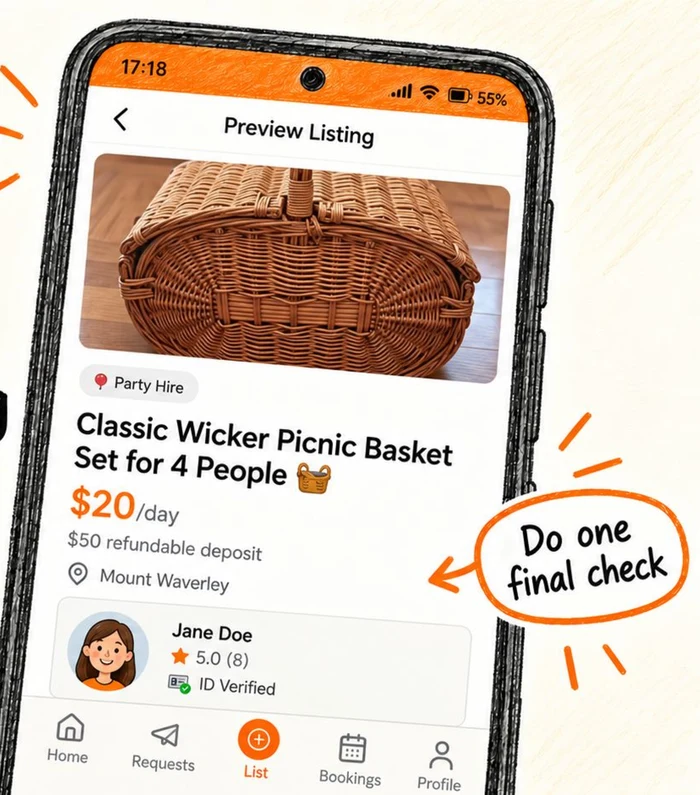
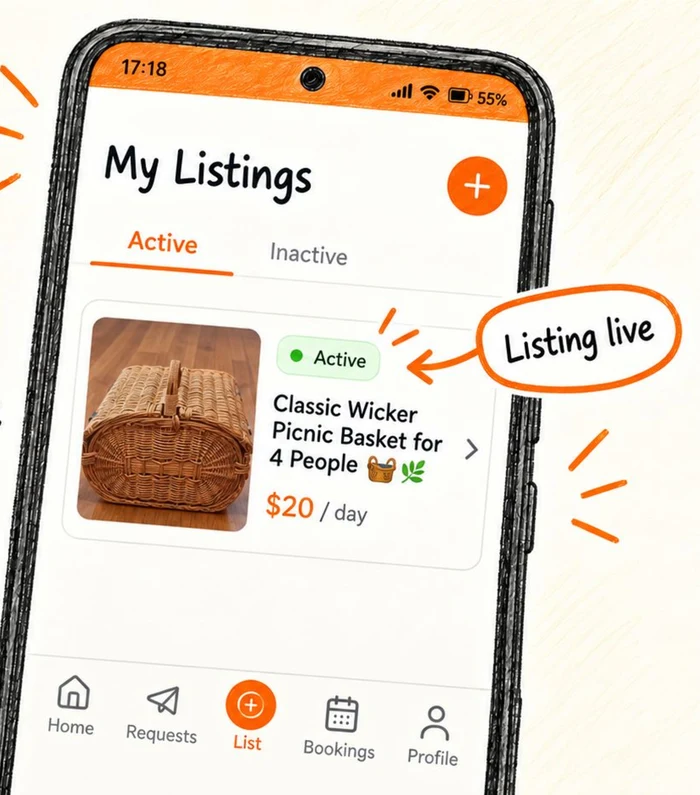
Check it over and tap Publish Listing. You land on your live listing.
Pricing tips
- A day rate around 5% to 10% of what the item costs new is the sweet spot for tools and camera gear.
- Set the deposit to what it would take to replace the item if it did not come back. Renters expect one.
- You can change your price for a specific request when you make an offer; the listing price stays as is.
Editing later
Open the listing from My Listings, tap edit, make your changes and Save Changes. Deleting a listing cannot be undone.
Ready to try it?
Open the appStuck or something looks different on your screen? Email support@hirehire.com.au and tell us what you were trying to do.